Meal budgets. Set by you, spent their way.
Give every employee a meal allowance — a food budget set by team, location, day or time of day. They choose from the restaurants that deliver to your office — finance gets one monthly invoice, with no receipts to chase and no expense claims to process.
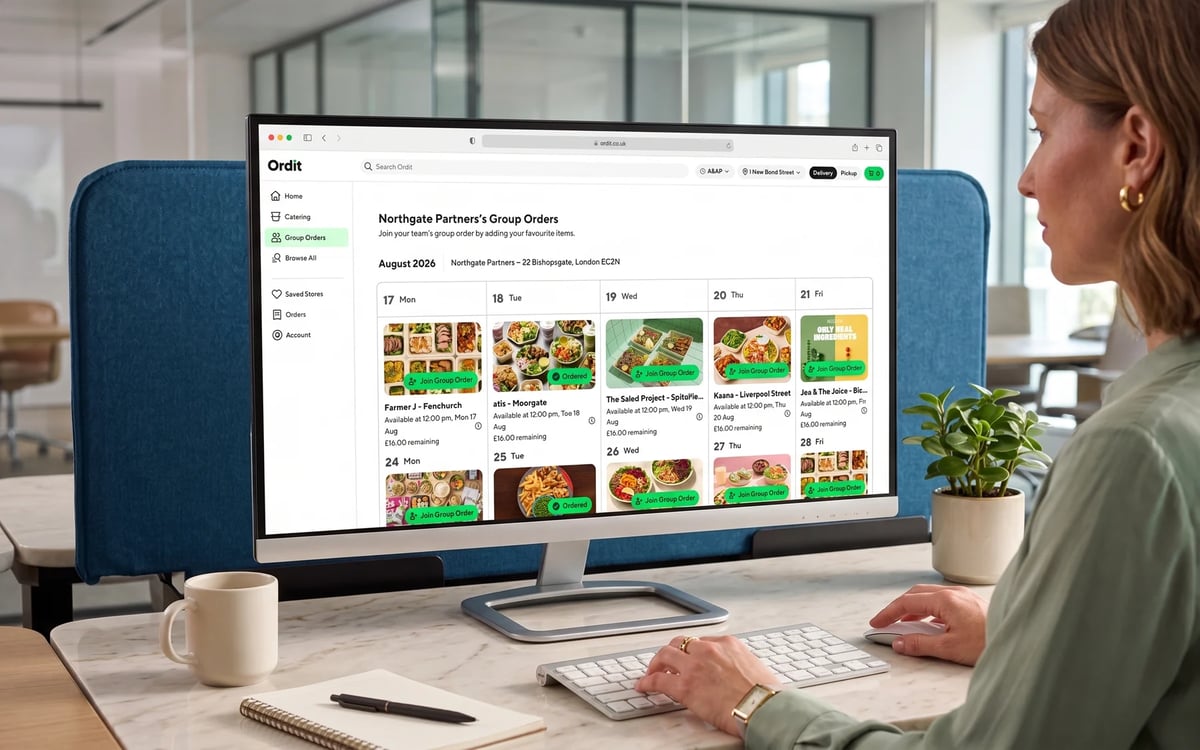





Budget controls
What can budget rules control?
One flat budget or fifty different rules — the engine handles team, location, day and time in any combination.
Per person or team
£12 a day for one team, £20 for another, or a single budget for one person — or one rule for everyone.
By office or location
Different budgets per site, or office-only delivery to support in-office days.
By day of week
Run lunch on Tuesdays and Thursdays only, every working day, or weekends for teams on shift.
By time of day
For example £10 at lunchtime, and a separate budget after 7pm for teams working late.


Healthy lunch
Healthy favourites, within budget
The salads, bowls and grills London teams order most — Farmer J, Poke House, The Salad Project and more, every partner FSA-rated 4 or 5.
All delivered to your office by Ordit's own fleet — in as little as 30 minutes.
Trusted by 500+ London companies













Meal budgets vs the old way
House accounts and expense claims push the admin onto employees and finance. Whatever your company calls it — a meal budget, a meal allowance, meal credits or subsidised meals — Ordit puts the rules where the spend happens: at checkout.
One card, no control
A shared card or restaurant tab covers everyone — and controls no one.
- No per-person limits:spend is only visible after the statement arrives.
- Manual coding:finance still re-codes every line to a cost centre.
- One restaurant:the whole office eats from whichever menu holds the tab.
Receipts and paperwork
Employees pay up front, keep receipts and claim back — and finance processes every claim.
- Slow for staff:out of pocket until the claim clears.
- Slow for finance:every receipt checked, coded and approved by hand.
- No enforcement:limits are policy on paper, not rules at checkout.
Rules at checkout
Budgets are enforced when the order is placed — not reconciled after the fact.
- Hard limits:employees can only spend what their budget allows.
- Zero paperwork:no receipts, no claims, one monthly invoice.
- Full visibility:spend by team, employee or expense code, in real time.
What does setup involve?
Meal budget FAQs
Who a budget touches
What finance sees
Budgets from the finance side →What HR gets
How HR teams use budgets →Budgets at pace
Flexible budgets for tech teams →